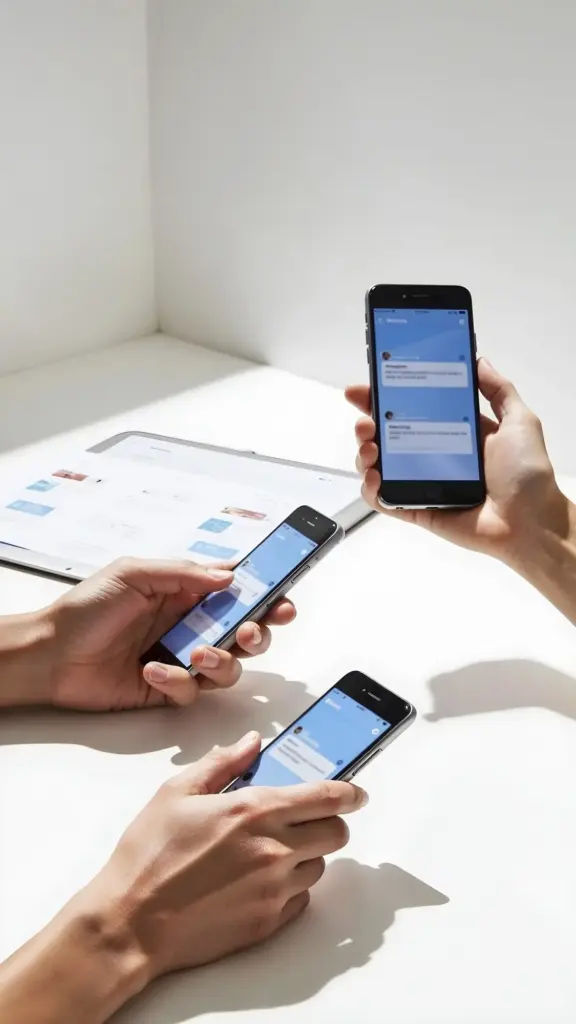
Designing Everyday Ease for Everyone

Step into a practical exploration of inclusive design for effortless daily living, focusing on choices that reduce friction and raise dignity. We will connect research, real stories, and hands‑on patterns so morning routines, commutes, meals, and digital tasks adapt gracefully to different abilities, contexts, and cultures. Join us to transform intention into everyday ease through small improvements that compound into lasting independence.

Edge Cases First

Begin design explorations with individuals who experience the sharpest constraints, such as limited grip strength, color blindness, auditory hypersensitivity, or intermittent connectivity. Solutions that work here typically cascade benefits outward, simplifying flows, clarifying feedback, and reducing unnecessary steps that burden everyone under pressure or fatigue.

Plain Language Wins

Clear writing lowers cognitive load, improves translation, and helps screen readers pace content naturally. Prefer everyday verbs, short sentences, and concrete outcomes. Provide examples, summaries, and visible next steps so people understand choices quickly, especially when stressed, multilingual, or learning new systems.

Progressive Enhancement Everywhere

Design the core experience to function without ideal conditions, then add polish where supported. Ensure buttons work with keyboard, voice, switch, or touch; typography remains legible offline or outdoors; and critical tasks degrade gracefully during outages, low bandwidth, device loss, or unexpected interruptions.

Homes That Support Confidence And Choice

Thoughtfully arranged homes can transform daily routines into safer, calmer moments. Attention to heights, reach ranges, lighting, acoustics, and tactile feedback helps children, older adults, and anyone recovering from injury participate without assistance. Flexible storage, contrasting edges, rounded corners, and lever handles reduce strain while preserving beauty. Small, reversible changes—like adjustable shelves, motion lighting, and anti‑slip textures—create immediate wins without expensive renovations, keeping shared spaces welcoming for guests with diverse needs and preferences.

Entryways That Anticipate Arrival

Create step‑free thresholds with gentle slopes, firm surfaces, and weather protection. Provide contrasting door hardware, wide clearances for mobility devices, and bright, glare‑balanced lighting. Add shelves for packages, seating for shoe changes, tactile wayfinding, and audible cues so arrivals and departures feel calm, safe, and unhurried.

Kitchens That Invite Collaboration

Use pull‑out work surfaces, adjustable stools, and D‑shaped handles to welcome different heights and strengths. Induction cooktops limit burn risk, while clear labels and high‑contrast controls support low vision. Store essentials between knee and shoulder height, and ensure sinks, appliances, and pathways remain accessible during busy, shared cooking.

Bathrooms That Protect Dignity

Install sturdy grab bars with color contrast, slip‑resistant floors, and thermostatic mixers to prevent scalding. Prefer outward‑swinging doors, reachable storage, and hand‑held showers. Good ventilation, echo‑reducing finishes, emergency access options, and night‑lighting offer safety without sacrificing comfort, privacy, or a sense of independent accomplishment.

Friction‑Light Digital Experiences

Navigation That Always Knows Where You Are

Use clear landmarks, skip links, and consistent headings so assistive technologies map content reliably. Provide breadcrumbs, visible current states, and persistent menus. Avoid hidden traps like infinite carousels. When deep pages are necessary, include summaries and jump points to reduce scrolling, memory load, and disorientation.

Inputs For Any Body, Any Context

Allow voice dictation, switch control, stylus, mouse, touch, and full keyboard. Provide generous timeouts, error prevention, and recovery. Support autofill and passkeys to minimize typing. Clearly label fields, expose helper text early, and keep forms linear so complex decisions never depend on tiny motions or perfect vision.

Multiple Ways To Understand Content

Pair text with captions, transcripts, alt descriptions, and descriptive link names that make sense out of context. Support adjustable line length, reading pace, and contrast modes. Use adaptable illustrations or haptics to reinforce meaning when sound is off, bandwidth constrained, or language proficiency still building.

Mobility, Wayfinding, And Public Life

Cities and campuses can be navigated with confidence when surfaces, signs, sounds, and services coordinate thoughtfully. Prioritize continuous curb ramps, non‑slip textures, audible signals, and consistent lighting. Provide clear timetables, real‑time updates, and comfortable shelters. Align policies like priority seating and quiet zones with staff training, community input, and ongoing maintenance so the everyday journey supports independence, spontaneity, and participation across ages, cultures, and conditions.

Co‑creation, Research, And Real‑World Testing

Nothing beats learning alongside the people we intend to support. Invite participants with varied lived experiences, compensate them fairly, and schedule at humane times. Observe tasks in natural settings, including low light, noise, or spotty internet. Share prototypes early, measure manual effort, track errors recovered, and listen for emotional signals—relief, confidence, or frustration—that reveal whether solutions truly deliver effortless living under everyday constraints.

Making It Stick In Organizations

Lasting change requires systems. Establish standards, cross‑functional ownership, and budgets that cover accessibility from discovery to support. Provide training, mentorship, and tooling that make inclusive choices the fastest path, not the slowest. Celebrate improvements with customers and staff. Publish roadmaps, share metrics, and invite feedback so accountability, learning, and momentum endure beyond individual champions or one‑off projects.